Integration
Arythmatic + Canva
Design beautiful course materials with Canva and Arythmatic
Last Updated: September 2026
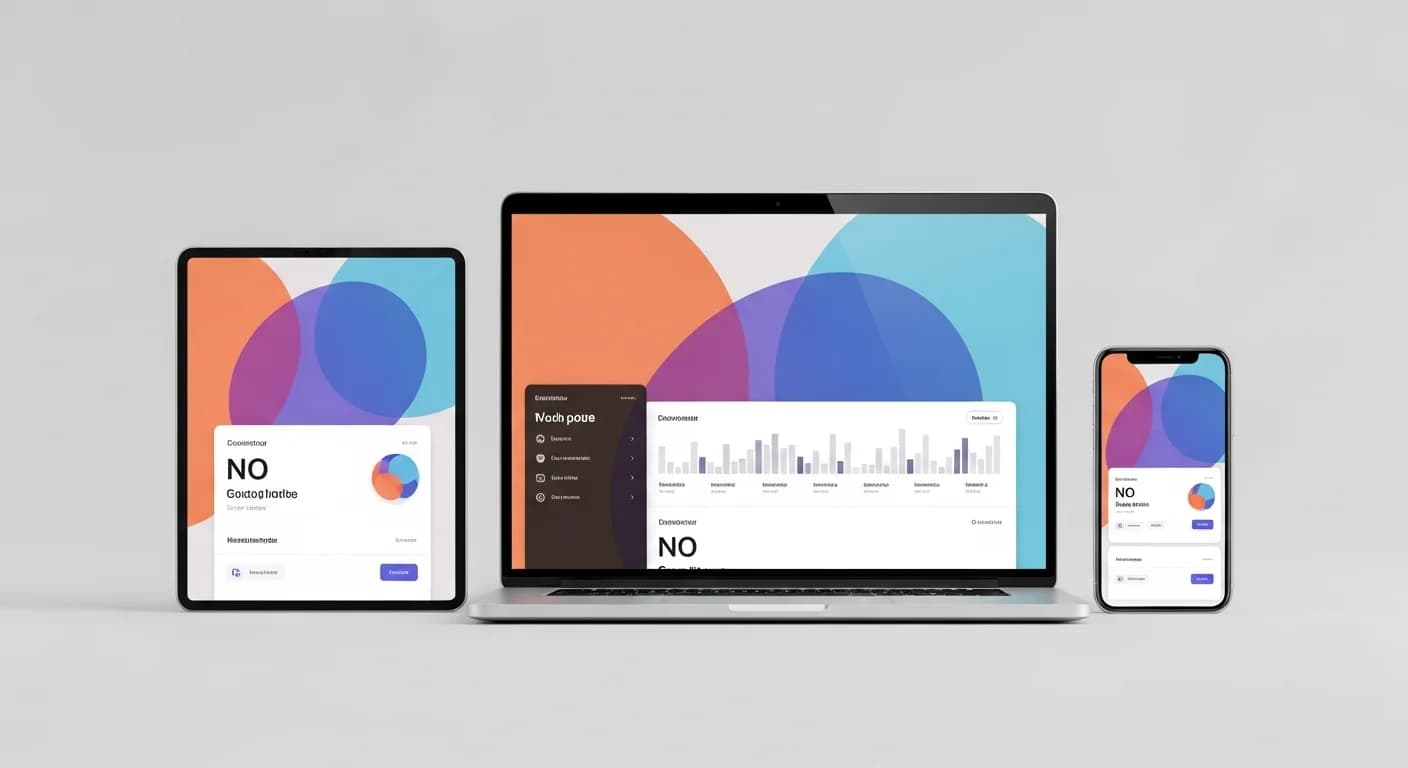
Use Canva to design course thumbnails, presentation slides, infographics, and training materials that embed directly in Arythmatic courses.
Why Connect Canva with Your LMS?
Course creators without professional design skills struggle to create visually compelling training materials that engage learners and represent their brand professionally. Generic LMS templates produce courses that look identical to competitors, failing to differentiate the training brand. Hiring graphic designers for every course thumbnail, presentation slide, and certificate template is prohibitively expensive for independent creators and small training teams. Without visual design tools, courses rely heavily on text-based content that fails to engage modern learners accustomed to polished visual experiences. Canva democratizes design for non-designers, but without LMS integration, creators must export designs from Canva, convert formats, and upload separately to the LMS — a manual process that discourages frequent design updates and creates version management headaches when Canva templates are updated after being uploaded to courses.
Key Benefits
How It Works
Expanded Setup Guide
Use Cases
Design course thumbnails and promotional images
Create interactive presentations for lessons
Design branded completion certificates
Popular Automation Workflows
When a Canva presentation URL is added to a lesson, Arythmatic embeds it as an interactive slideshow with navigation that learners can advance at their own pace.
When a course thumbnail is redesigned in Canva, the updated image can be exported and uploaded to update the course listing in Arythmatic's catalog.
Arythmatic uses Canva-designed certificate templates to generate personalized completion certificates with dynamic learner name, date, and course information.
When the brand kit is updated in Canva Teams, designers can quickly update all course materials (thumbnails, presentations, certificates) to reflect the new branding.
Course authors use Canva templates to create infographics, diagrams, and visual aids that make complex training content more engaging and understandable.
When a learner passes a certification exam, Arythmatic generates a professionally designed certificate from the Canva template with all earned credentials.
Who Uses This Integration?
Course Creator
Design professional course thumbnails, presentations, and certificates using Canva's drag-and-drop editor without graphic design skills, creating a polished academy brand.
L&D Designer
Create engaging visual training content — infographics, process diagrams, and interactive presentations — in Canva and embed them directly in Arythmatic courses.
Marketing Manager
Maintain consistent branding across all course materials using Canva's brand kit, ensuring thumbnails, certificates, and promotional graphics match the company identity.
Training Academy Owner
Differentiate your academy with professionally designed course materials that stand out from generic templates, increasing perceived value and enrollment conversion.
Technical Specifications
Sync Frequency
Real-time for embedded presentation rendering; manual export/upload for static assets (thumbnails, certificates)
Authentication
Canva sharing URL for embedding; manual export for static assets; Canva Connect API (beta) for programmatic access
Data Fields
Frequently Asked Questions
Can I use Canva with Arythmatic?
Yes. Design course materials, thumbnails, certificates, and presentations in Canva and embed or upload them directly into your Arythmatic courses.
Can I embed Canva presentations in courses?
Yes. Canva presentations can be embedded directly in Arythmatic course lessons as interactive slideshows with navigation controls for learners.
Does Canva Teams work with the integration?
Yes. Canva Teams (Canva for Business) enables collaborative design with brand kit consistency, and all team designs are available for course embedding.
Can I design certificates in Canva for Arythmatic?
Yes. Design custom completion certificates in Canva, and Arythmatic can use them as certificate templates with dynamic fields for learner name, date, and course details.
Does Canva content update in real-time?
Embedded Canva presentations display the latest version. For exported/uploaded assets like thumbnails and certificates, you would need to re-export if designs change.
Related Integrations
Related guides & resources
Glossary terms, features, and use cases that fit your integration setup.
Glossary
Learning Management System (LMS)
Glossary
SCORM (Sharable Content Object Reference Model)
Glossary
Learning Automation
Buyer guide
Best LMS for Employee Training
Buyer guide
Best LMS for Customer Education & Training
Buyer guide
Best LMS for Sales Enablement & Training
Feature
LMS Single Sign-On (SSO) — Seamless Secure Authentication
Feature
Course Builder — Create Professional Online Courses
Feature
Learning Path Builder — Structured, Sequential Training Programs
Feature
Compliance Training Software — Automate Mandatory Training Programs
Supercharge your LMS with Canva
Start your 14-day free trial — no credit card required