Platform Feature
Mobile Learning Platform — Learn Anywhere, Anytime
Your learners aren't at their desks. Meet them wherever they are with a fully mobile-responsive learning platform.
Last Updated: September 2026
Why It Matters
Fully Responsive Design
Every course, quiz, live session, and page adapts seamlessly to phones, tablets, and desktops.
Touch-Optimized Navigation
Swipe through lessons, tap to answer quizzes, and complete courses with touch-friendly interfaces.
Push Notifications
Keep learners engaged with reminders about new content, upcoming live sessions, and due dates.
Offline Content Access
Download lessons for offline viewing — ideal for field workers, manufacturing staff, and learners in low-connectivity environments.
How It Works
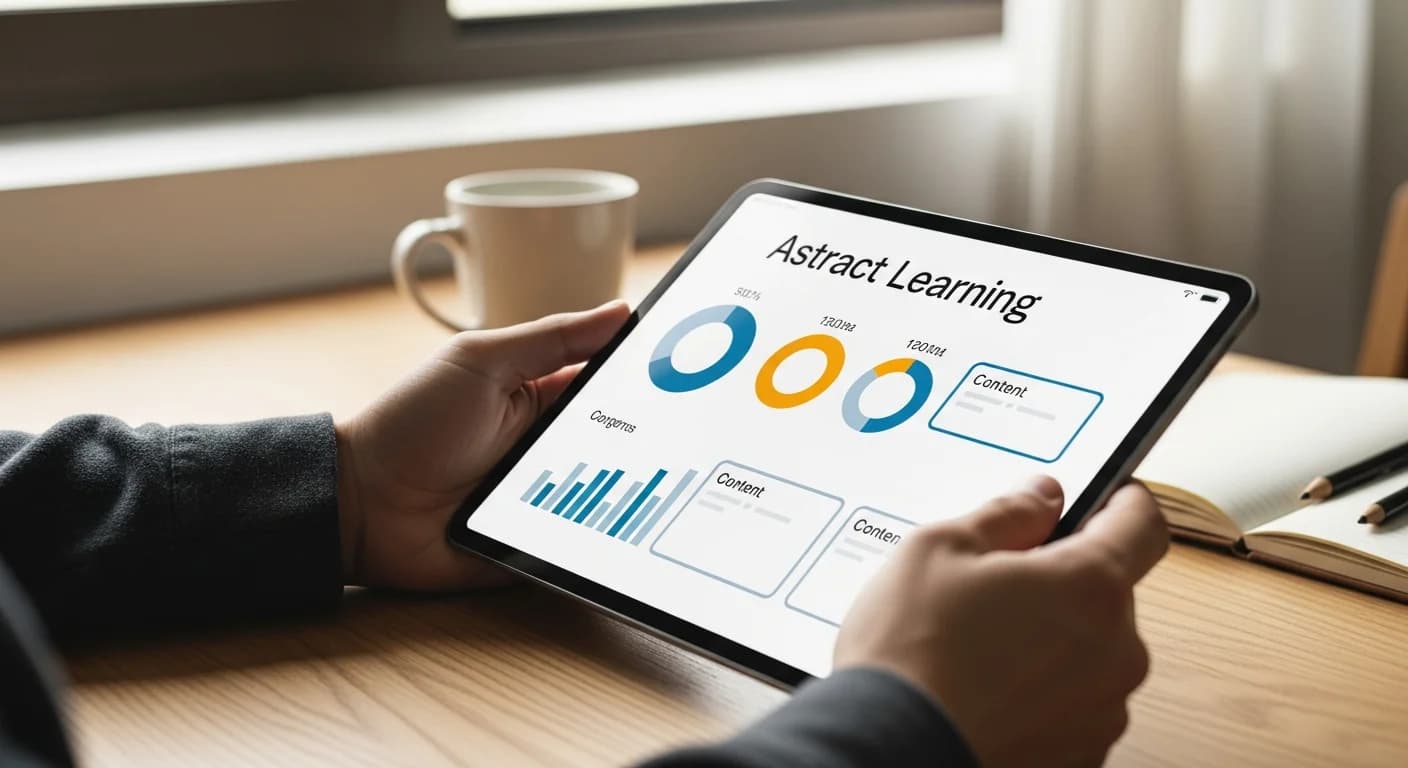
Arythmatic's mobile learning platform ensures that every aspect of the learning experience is fully optimized for smartphones and tablets, recognizing that a significant and growing percentage of learners access training primarily from mobile devices. Rather than simply shrinking a desktop interface, the mobile experience is purpose-built with touch-optimized interactions — swipe gestures for lesson navigation, tap-friendly quiz controls, and appropriately sized buttons and form elements for finger interaction. The responsive design engine dynamically adapts layout, typography, and media sizing to any screen dimension, from small smartphone screens to large desktop monitors. Video content uses adaptive bitrate streaming that adjusts quality based on connection speed, ensuring smooth playback on cellular networks without buffering or excessive data consumption. The low-bandwidth optimization mode reduces page sizes and image quality for learners in areas with limited connectivity — essential for reaching field workers, manufacturing staff, and employees in rural or developing regions. Offline content caching allows learners to download lessons, videos, and resources for viewing without an internet connection, with progress automatically syncing when connectivity returns. This capability transforms mobile learning from a convenience into a reliable training delivery channel for workforces that operate in low-connectivity environments. Push notifications keep learners engaged with timely reminders about new content, upcoming live sessions, approaching deadlines, and certification expirations. The progressive web app (PWA) technology allows learners to add the academy to their device's home screen for instant access with an app-like experience — no app store download required. Cross-device progress syncing ensures a seamless experience for learners who switch between phones, tablets, and computers throughout their day.
Real-World Use Cases
Field Worker Safety Training
A construction company needs to deliver safety training to 500 workers who are on job sites without reliable desktop computer access. Training must be completable during breaks using personal smartphones, and some sites have limited cellular connectivity.
Outcome: 95% of field workers complete safety training on their phones, offline caching eliminates connectivity barriers at remote sites, and the company documents compliance for OSHA audits with mobile-captured completion records.
Retail Staff Microlearning
A retail chain wants to deliver 5-minute daily product knowledge modules to 2,000 store associates before their shifts. Associates use personal smartphones and have no access to computers during work hours.
Outcome: Associate product knowledge scores improve by 35%, customer satisfaction ratings increase at stores with high training completion, and the push notification system achieves 80% daily engagement with microlearning modules.
Global Remote Workforce Training
A company with 1,000 remote employees across 30 countries needs to deliver quarterly compliance training. Employees work from home offices, coworking spaces, and coffee shops with varying connectivity and device types.
Outcome: 100% compliance training completion across all 30 countries, mobile completion accounts for 65% of all training activity, and the low-bandwidth mode ensures smooth experiences for employees in emerging markets with slower internet.
Full Capabilities
How Arythmatic Compares
Many LMS platforms claim mobile support but deliver subpar experiences. Legacy platforms like Moodle and Blackboard have mobile apps that feel disconnected from the main platform with limited feature parity. Teachable and Thinkific offer responsive designs but lack offline capabilities, push notifications, and low-bandwidth optimization. Enterprise platforms often require separate mobile app development or third-party mobile plugins at additional cost. Arythmatic provides a genuinely mobile-first experience where every feature — courses, quizzes, live sessions, community, certificates — works identically on mobile with added capabilities like offline caching, push notifications, and adaptive streaming that specifically address mobile learning challenges.
Getting Started
Pro Tips
Frequently Asked Questions
Does Arythmatic work on smartphones and tablets?
Yes. Arythmatic is fully responsive and optimized for phones and tablets. Courses, quizzes, live sessions, and all platform features work seamlessly on any device.
Is there a mobile app for learners using Arythmatic?
Arythmatic works as a progressive web app that feels native on mobile devices. Add it to your home screen for an app-like experience without downloading from an app store.
Can I complete courses offline on mobile?
Yes. Arythmatic's offline content caching lets learners download lessons for offline viewing. When connectivity is restored, progress syncs automatically. Ideal for field workers, travelers, and learners in low-connectivity areas.
Do quizzes and assessments work on mobile?
Yes. All question types — multiple choice, true/false, matching, fill-in-the-blank, and essay — are fully optimized for touch interaction. Timed assessments, auto-grading, and certificate issuance all work identically on mobile.
Can learners join live sessions from their phones?
Yes. Live classes and virtual classrooms are fully accessible from mobile devices. Learners can view the presenter, participate in chat and Q&A, and have their attendance tracked — all from their phone or tablet.
How does progress sync across devices?
Progress syncs in real-time. A learner can start a course on their desktop, continue on their phone during a commute, and finish on a tablet at home. Their progress, bookmarks, and assessment scores are always current across all devices.
Does Arythmatic support push notifications?
Yes. Push notifications remind learners about new content, upcoming live sessions, due dates, and certification expirations. Notifications work on both mobile and desktop to keep learners engaged and on track.
Explore More Features
Related concepts and platforms
Definitions, alternative platforms, and buyer guides relevant to this feature.
Glossary
Learning Management System (LMS)
Glossary
SCORM (Sharable Content Object Reference Model)
Glossary
Learning Automation
Glossary
AI in Learning
Glossary
Competency-Based Learning
Buyer guide
Best LMS for Employee Training
Buyer guide
Best LMS for Compliance Training
Buyer guide
Best LMS Platform for Course Creators
Buyer guide
Best LMS for Customer Education & Training
Compare
Thinkific alternatives
Compare
TalentLMS alternatives
Compare
Docebo alternatives
Compare
Kajabi alternatives
Ready to build your academy?
Start your 14-day free trial. No credit card required.